

Install and sign in
Download and install
The installers are at downloads.basement.chat. Next to each file there is a .sha256 file with its checksum.
Mac
Windows
Linux
- Download
Basement Gateway.dmg. It is for a Mac with Apple silicon and macOS 14 or later. - Open the file. Move Basement Gateway to the Applications folder.
- On the first start, macOS says that it cannot verify the developer. Open System Settings › Privacy & Security. Go to the notice. Click Open Anyway. This happens only one time.
The installers do not have a publisher certificate yet. This is the cause of the notice on the first start. The app does not install services and does not ask for other permissions.
Sign in
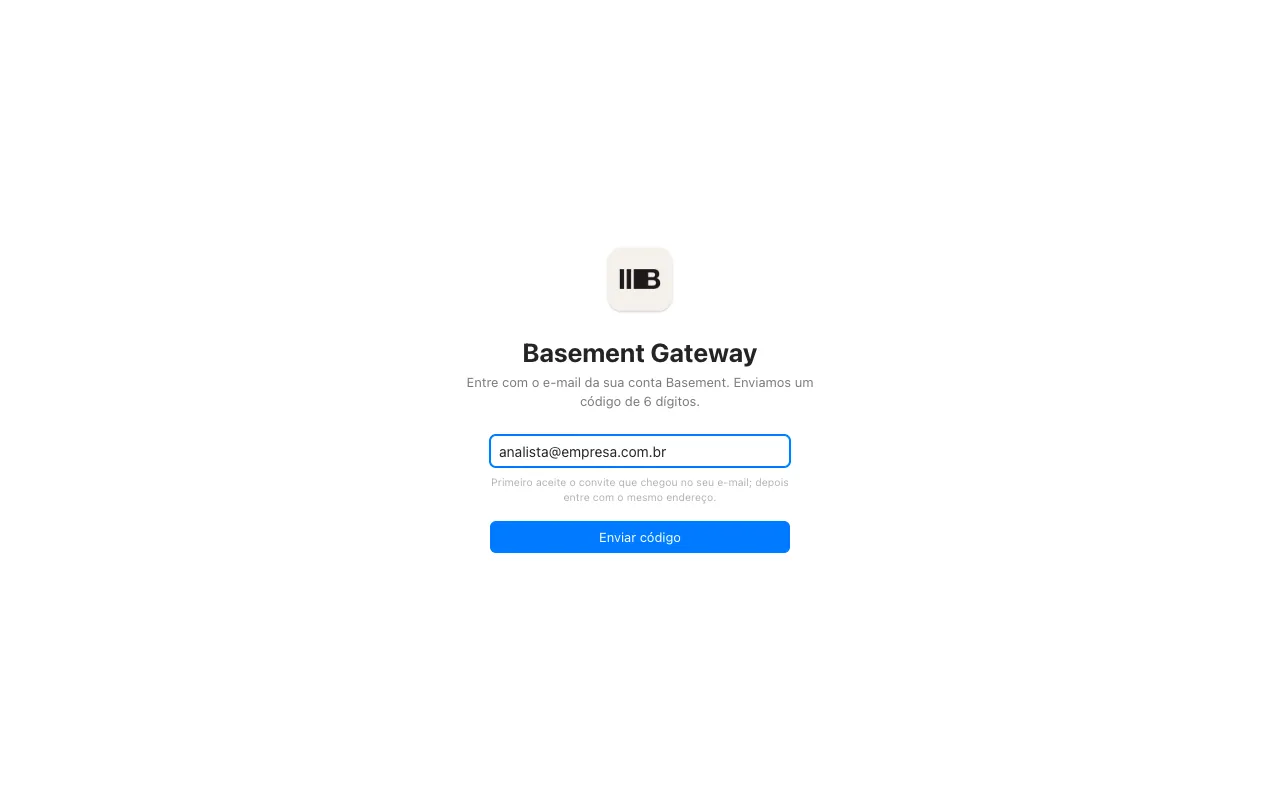
Enter the invited e-mail
Use the e-mail that received the invitation of your organization. The app refuses an e-mail without an invitation. If you have no invitation, ask the administrator of your organization for one. Accept the invitation through its link before you sign in to the app.
Enter the code
A code with 6 digits arrives by e-mail. Enter the code. Click Sign in. There is no Gateway password. The code is the sign-in.
Check the organization
At the top of Connections, there is Organization. If you work for customers in more than one organization, select the correct organization before you create the connection. A connection belongs to the organization in which you created it. You must authorize Claude in the same organization.
What the app does when it is open
- It shows if the VPN is installed and connected. See Connect a SAP system.
- It keeps your computer registered with the Gateway. The server reaches the SAP of the customer through your computer. When the app is closed or the computer is off, the AI cannot read that system. The AI tells you this.
- It keeps your connection sealed. The SAP password does not appear on a screen again.
The language of the app
The app starts in Portuguese when Portuguese is one of the languages of your system. To change the language, use Language on the Connections screen, in the Account block.